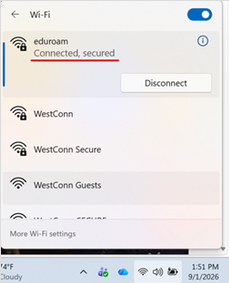
In order to connect a Windows11 Laptop to eduroam, open the Manage Wi-Fi connections window:
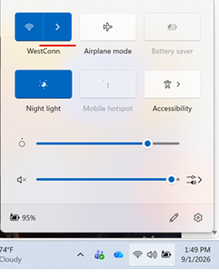
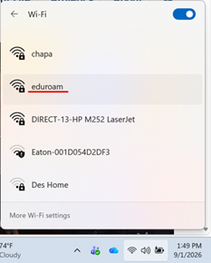
Choose the eduroam Wi-Fi network:
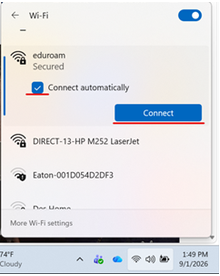
Check the “Connect automatically” box and then “Connect”:
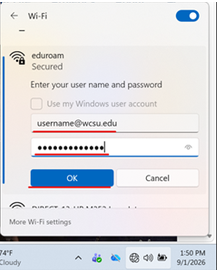
Enter your username (be sure to use the domain @wcsu.edu) and password and click “OK”:
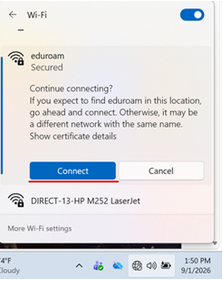
Click “Connect” on the “Continue connecting?” window:
You will then be connected to the Internet via eduroam (which can be used at thousands of institutions around the country and world):