
To locate the MAC Address of your Chromebook PC please follow the steps below:
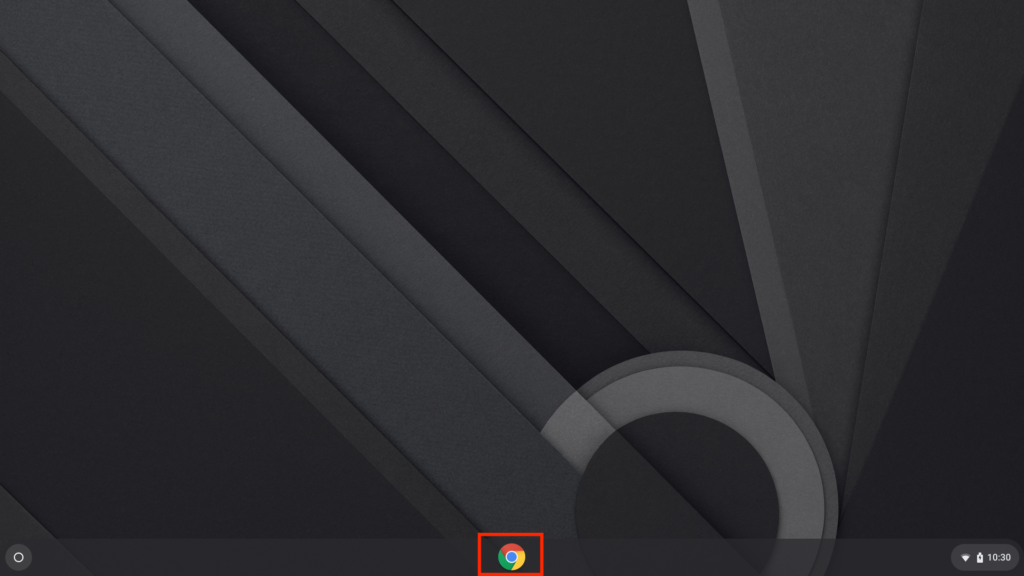
- Open google chrome
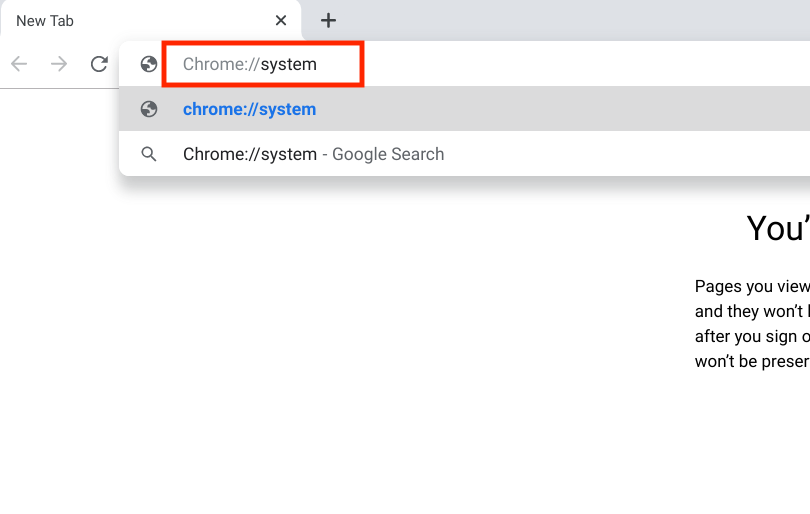
- In the search bar type the following address “chrome://system” then click enter
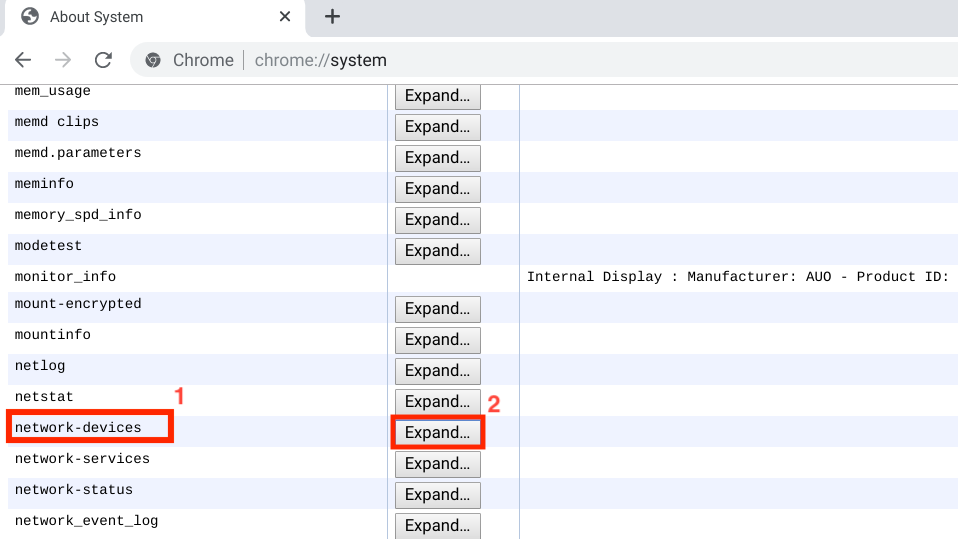
- Scroll down and locate “network-devices”
- Click Expand
- Your MAC address will be listed as “address”
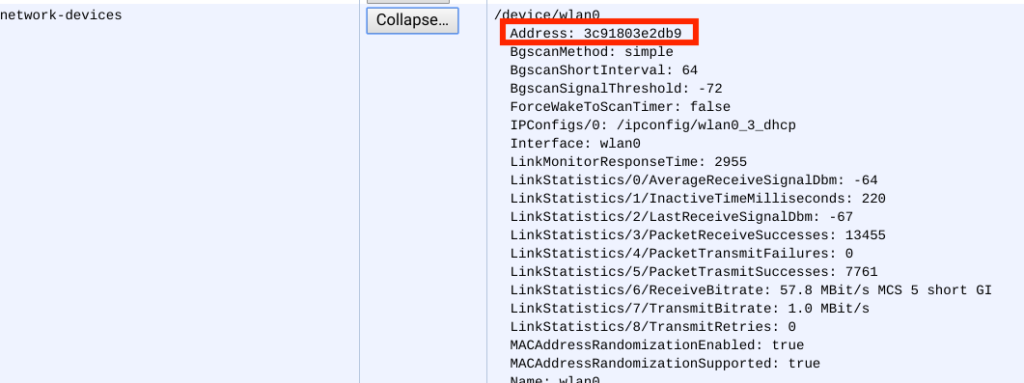
Note– When submitting MAC Address for device registration you must insert colons between every two characters to match the following format: 1A:2B:3C:4D:5E:6F